
Watching IPTV on Smart TVs has become one of the most popular ways to enjoy live channels, sports, movies, and on-demand entertainment in 2026. Modern Smart TVs now support IPTV apps directly, making installation fast and simple without extra hardware. Enjoy the best smart TV IPTV experience in 2026.
Whether you own a Samsung Smart TV, LG TV, Android TV, or Fire TV, IPTV offers an affordable and flexible streaming experience with thousands of international channels and premium content.
Why Use IPTV on Smart TVs?
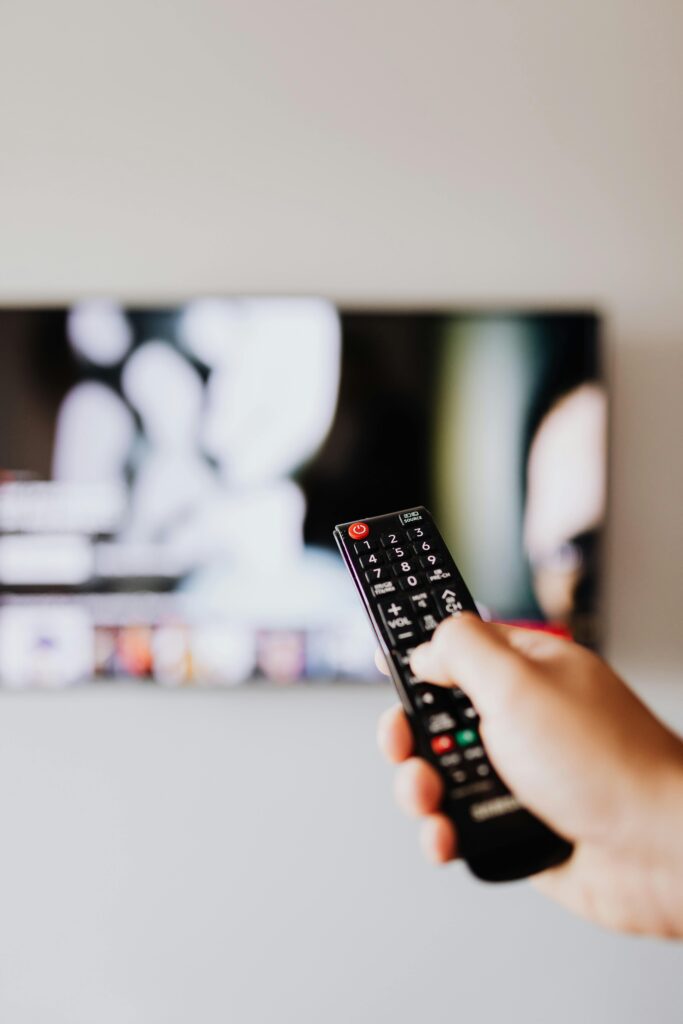
Smart TVs provide a smooth and high-quality IPTV experience thanks to:
- Large 4K displays
- Fast internet connectivity
- Built-in streaming apps
- Easy remote control navigation
- Stable HD & UHD playback
Unlike traditional cable subscriptions, IPTV allows users to stream global content from one platform.
Best Smart TVs for IPTV
Several Smart TV brands work perfectly with IPTV services.
Samsung Smart TVs
Samsung TVs support popular IPTV applications such as:
- IPTV Smarters Pro
- Smart IPTV
- SET IPTV
- Flix IPTV
Samsung devices offer excellent 4K picture quality and smooth streaming performance.
LG Smart TVs
LG Smart TVs running WebOS also support IPTV applications with easy setup and stable playback.
Users can install IPTV apps directly from the LG Content Store.
Android TVs
Android-based Smart TVs provide the best flexibility because users can install APK applications manually if needed.
Popular Android TV brands include:
- Sony
- TCL
- Xiaomi
- Hisense
How to Install IPTV on Smart TV
Installing IPTV is simple and usually takes only a few minutes.
Step 1 – Install an IPTV App
Download one of these apps:
- IPTV Smarters Pro
- Smart IPTV
- TiviMate
- SET IPTV
Step 2 – Add IPTV Subscription
Enter:
- M3U URL
or - Xtream Codes login details
Step 3 – Start Streaming
After activation, channels and VOD content will appear automatically.
Full setup tutorials are available here:
Features of IPTV for Smart TVs
Modern IPTV services include advanced features such as:
- Live TV streaming
- Catch-up TV
- Electronic Program Guide (EPG)
- 4K sports channels
- Video on Demand (VOD)
- Multi-screen support
These features create a premium home entertainment experience.
Best IPTV Content Available
With IPTV on Smart TVs, users can watch:
Sports
- Premier League
- Champions League
- UFC
- NBA
- Cricket
- NFL
Movies & Entertainment
- Hollywood movies
- TV series
- Netflix-style VOD libraries
- Kids channels
- International content
International Channels

Access channels from:
- UK
- USA
- Canada
- India
- Turkey
- Arabic countries
Browse the available channels here:
IPTV Subscription Plans
Affordable IPTV plans are one of the biggest reasons users switch from cable TV.
Benefits include:
- Lower monthly costs
- Thousands of channels
- HD & 4K quality
- Instant activation
- Worldwide access
View IPTV packages here:
Common IPTV Issues on Smart TVs
Buffering Problems
Usually caused by:
- Slow internet
- Weak Wi-Fi signal
- Overloaded servers
For best performance:
- Use Ethernet connection when possible
- Maintain at least 15 Mbps internet speed
- Restart IPTV app regularly
App Compatibility
Some older Smart TVs may not support newer IPTV apps.
Android TV devices usually provide the best compatibility.
Frequently Asked Questions
Is IPTV Good for Smart TVs?
Yes. Smart TVs provide one of the easiest and most convenient IPTV streaming experiences.
Can I Watch IPTV in 4K?
Yes. Many IPTV providers now offer Ultra HD and 4K channels.
Which IPTV App Is Best?
Popular apps include:
- IPTV Smarters
- TiviMate
- Smart IPTV
- SET IPTV
Do I Need Extra Hardware?
No. Most Smart TVs can run IPTV apps directly.
More support and setup help:
Final Thoughts
Smart TV IPTV is the future of home entertainment in 2026. With easy installation, affordable pricing, and access to thousands of live channels and movies, IPTV offers a complete replacement for traditional cable TV.
Whether you use Samsung, LG, or Android TV, IPTV delivers premium sports, entertainment, and international channels directly to your screen with HD and 4K quality.